Turn Any Photo into a Coloring Page in Seconds.
Family vacation photo? Your pet's portrait? Your child's artwork?
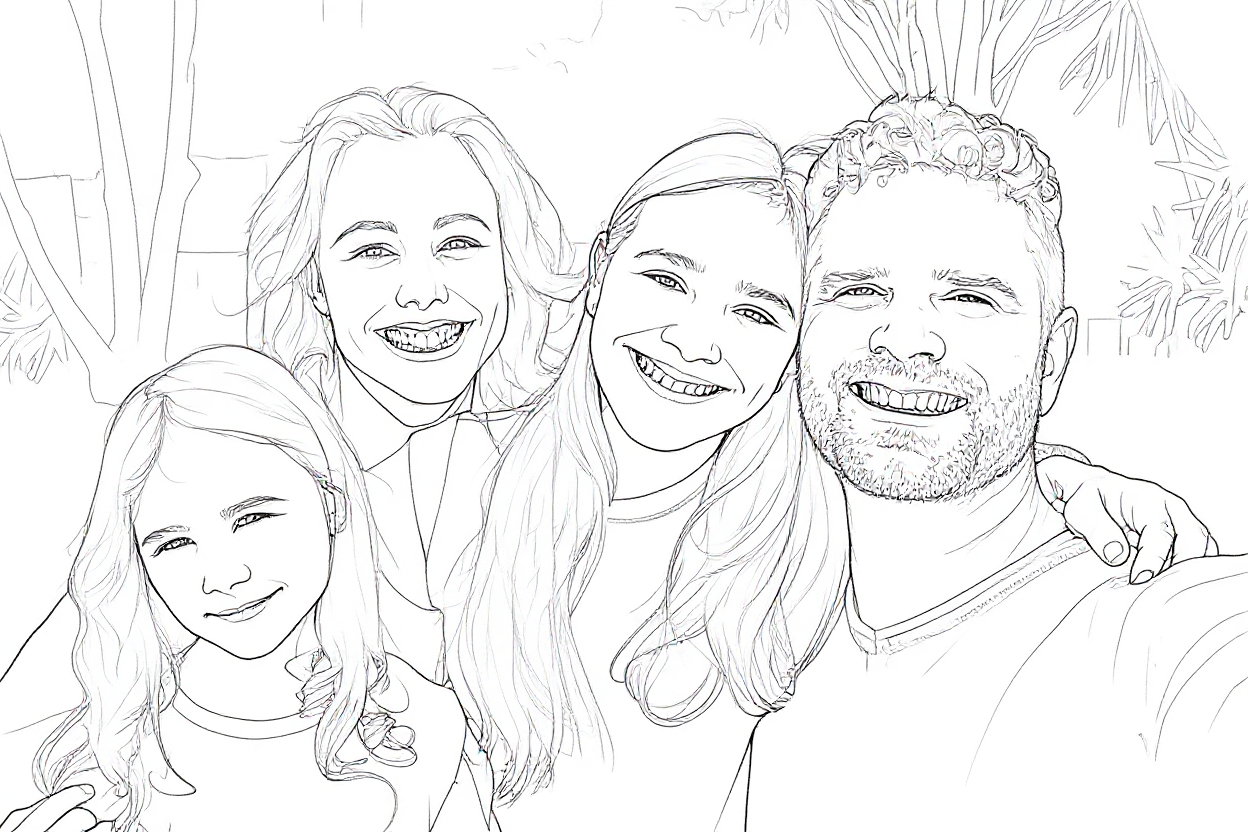
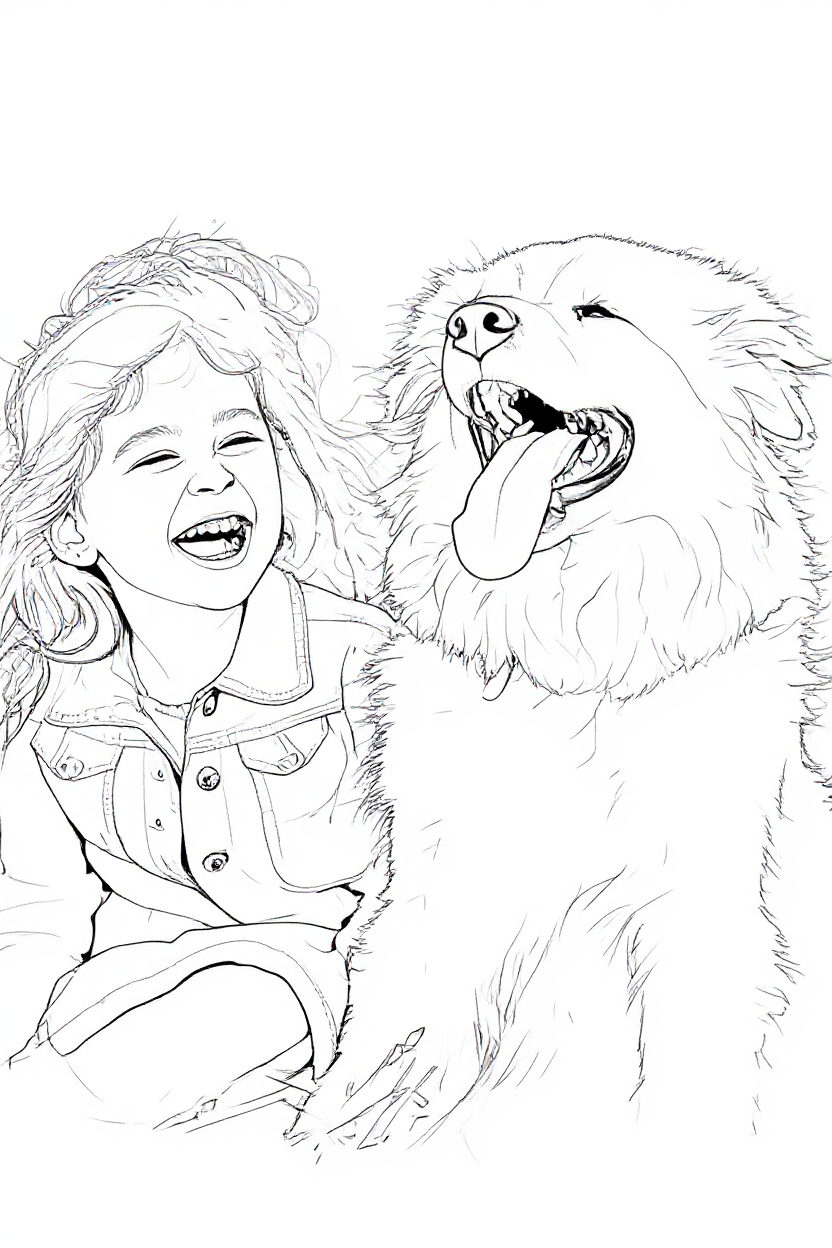
Upload any photo and watch it transform into a beautiful coloring page.
- Convert any photo into printable line art
- Preserve your memories in a new creative format
- Perfect for personalized gifts and memory books
Your photo stays private and is deleted after 24 hours unless you save it.


Why Choose Our Photo to Coloring Page Converter?
Instant Results
AI generates crisp, gap-free line art faster than you can brew a coffee.
21 Art Styles
Anime, Mandala, Realistic Portrait, Steampunk, Minimalist & more—or let Auto decide.
Print-Perfect Files
Download high-resolution PNG or PDF sized for Letter, A4 and Kindle KDP trim lines.
Private & Secure
Your photos stay in your private account and are never shared or sold. Your creations are 100% yours.
How to Turn a Photo into a Coloring Page
Choose a photo
A JPG, PNG or WebP from your phone or computer.
See your coloring page
It appears next to your photo in about 15 seconds.
Download and print
Save it as a print-ready PDF or PNG.
Pro Tip: Clear, well-lit photos with simple backgrounds produce the cleanest lines.
Which Pictures Make the Best Coloring Pages?
Any JPG or PNG image works: a phone photo, a scanned print or a picture of your child's drawing. The cleaner the photo, the cleaner the lines. Here is what to look for.
Works well
- One clear subject that fills most of the frame
- Even light, like outdoors on a bright day or next to a window
- A plain background: a wall, grass or sky
- Strong contrast between the subject and what is behind it
- A sharp photo, at least 768 px on the shortest side
Usually disappoints
- Dark, blurry or heavily filtered photos
- Busy backgrounds, like a messy room or a crowd
- Hard shadows across faces
- Wide shots where the subject is tiny
- Small, low-resolution images saved from a chat or a screenshot
Two quick fixes before you upload
Crop tight around the person, pet or object you care about, so the background has less to say. Then nudge brightness and contrast up a little in your phone's photo editor. Both take a few seconds and make the biggest difference to the result.
How to Print Your Coloring Page
Print the PDF
The PDF keeps lines crisp at full page size on Letter and A4. Save the PNG for digital projects.
Pick the best quality setting
In the print dialog choose "Best" or "High quality". Lines come out darker and easier to color inside.
Match the paper to the tools
Plain office paper is fine for crayons and pencils. Use cardstock for markers or watercolors so the color does not bleed through.
Perfect For Every Occasion
Kids' Birthday Activities
Turn a family photo into a custom activity they'll remember.
Wedding/Bridal Keepsakes
Let guests color the happy couple.
Teacher Handouts
Custom worksheets with your class pet.

Frequently Asked Questions
Is it free to turn a photo into a coloring page?▾
Do I need an account?▾
What kinds of photos work best?▾
Which file formats do you accept?▾
My vacation photo is a bit dark. Will it still work?▾
Should I download the PDF or the PNG?▾
Can I use a picture I found online?▾
Will my photo ever be seen by anyone else?▾
Can I sell the coloring pages I create?▾
Can I convert multiple photos at once?▾
Choose the Credits That Fit How You Create
1 credit = 1 idea page. Photo conversions cost 5 credits each.
Start with 10 free credits to try our service
Personal
For your family or classroom
300 credits every month
= 60 photo pages or 300 idea pages/month
- Personal use
- 300 fresh credits every month
- Books up to 10 pages
- No watermark
- Cancel anytime
Commercial License
Sell what you make · Books and bulk tools
Credits per month
700 credits/month
= 140 photo pages or 700 idea pages/month
- Commercial license
- Unlimited collections and books
- Advanced export options
- Improve print quality
- No watermark

Download our app
ColorPage.ai
in your pocket
Generate and save stunning coloring pages anywhere, straight from your phone or tablet.